
Instructions for use
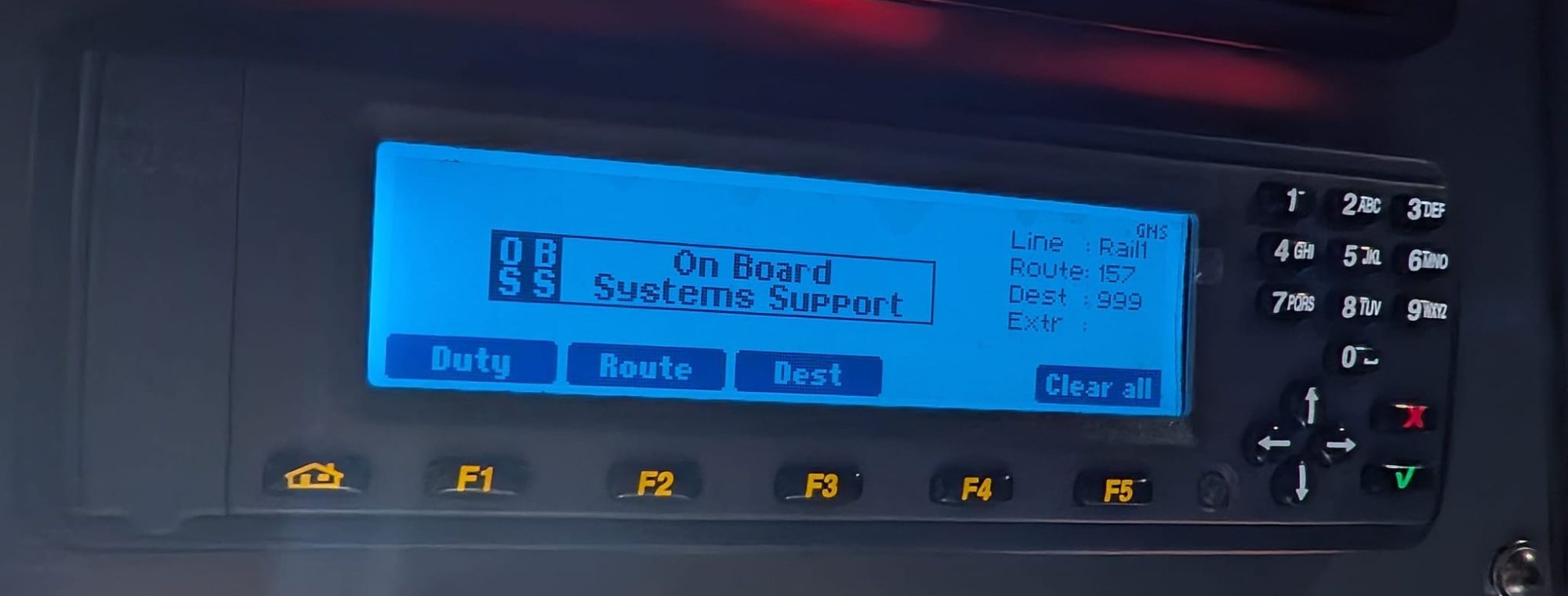
Destination Only
Press 'Select' F1 then 'Dest' F3
Select the desired destination by scrolling ⬆️ or ⬇️ then press the 'green tick' ✅
AVL (Next Stop Announcements)
Press 'Select' F1 then 'Route' F2
Select the desired route by scrolling ⬆️ or ⬇️ then press the ✅
You can modify your starting stop by pressing 'stop' and scrolling through the stops and pressing the ✅
On Diversion
You can select 'Detour' and press ✅ this will announce the bus is on diversion until you hit ✅ to confirm back on route